Netatmo Thermostat plugin
Plugin for controlling Netatmo thermostats
Plugin configuration
Once the plugin is installed, you need to enter your Netatmo connection information :
- Client ID : your client ID (see configuration section)
- Client secret : your secret client (see configuration section)
- Username : username of your netatmo account
- Password : password for your Netatmo account
- Use alternative design : allows you to use another design (see widget part)
- Synchronize : allows you to synchronize Jeedom with your Netamo account to automatically discover your Netamo equipment. To do after saving the previous parameters.
Retrieving connection information
Pour intégrer votre station, vous devez posséder un client_id et un client_secret généré sur le site http://dev.netatmo.com.
Once on click on start :
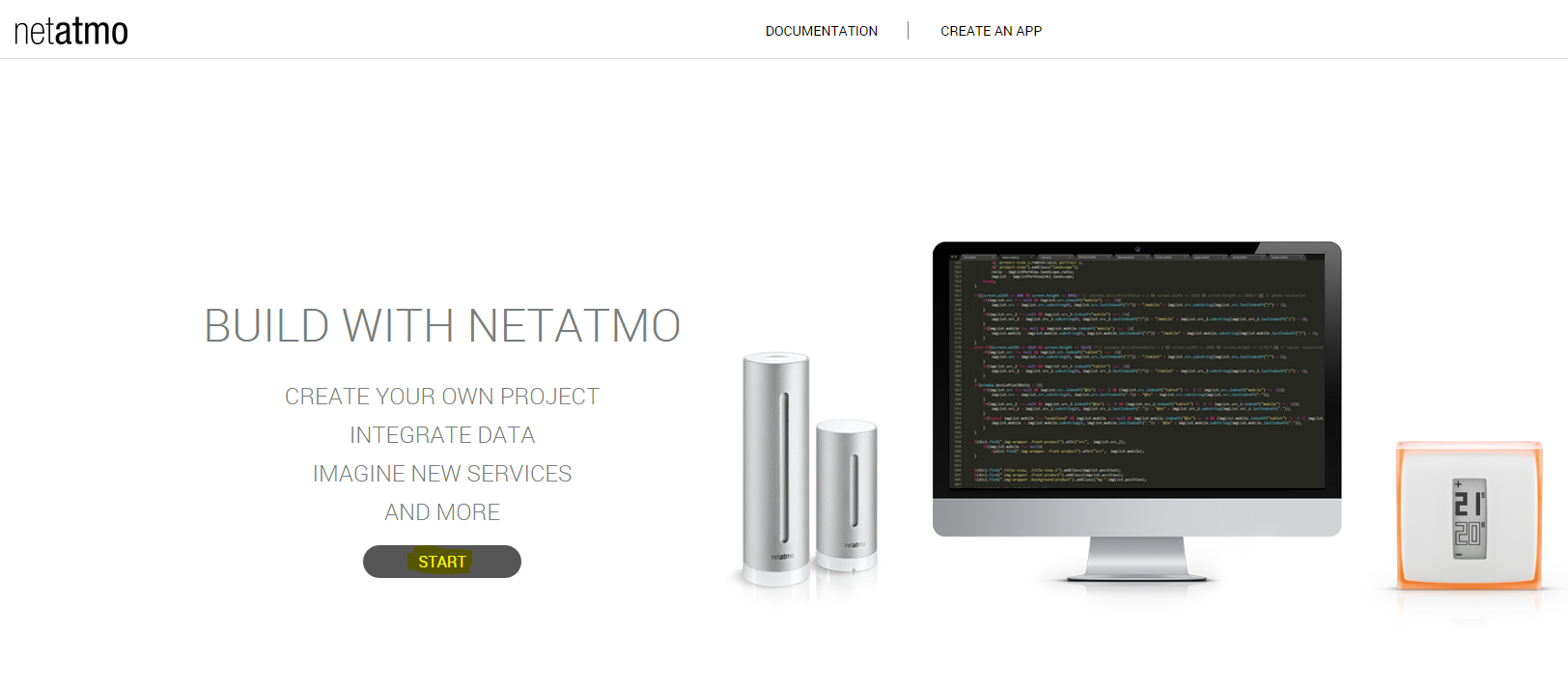
Then on “create an app”
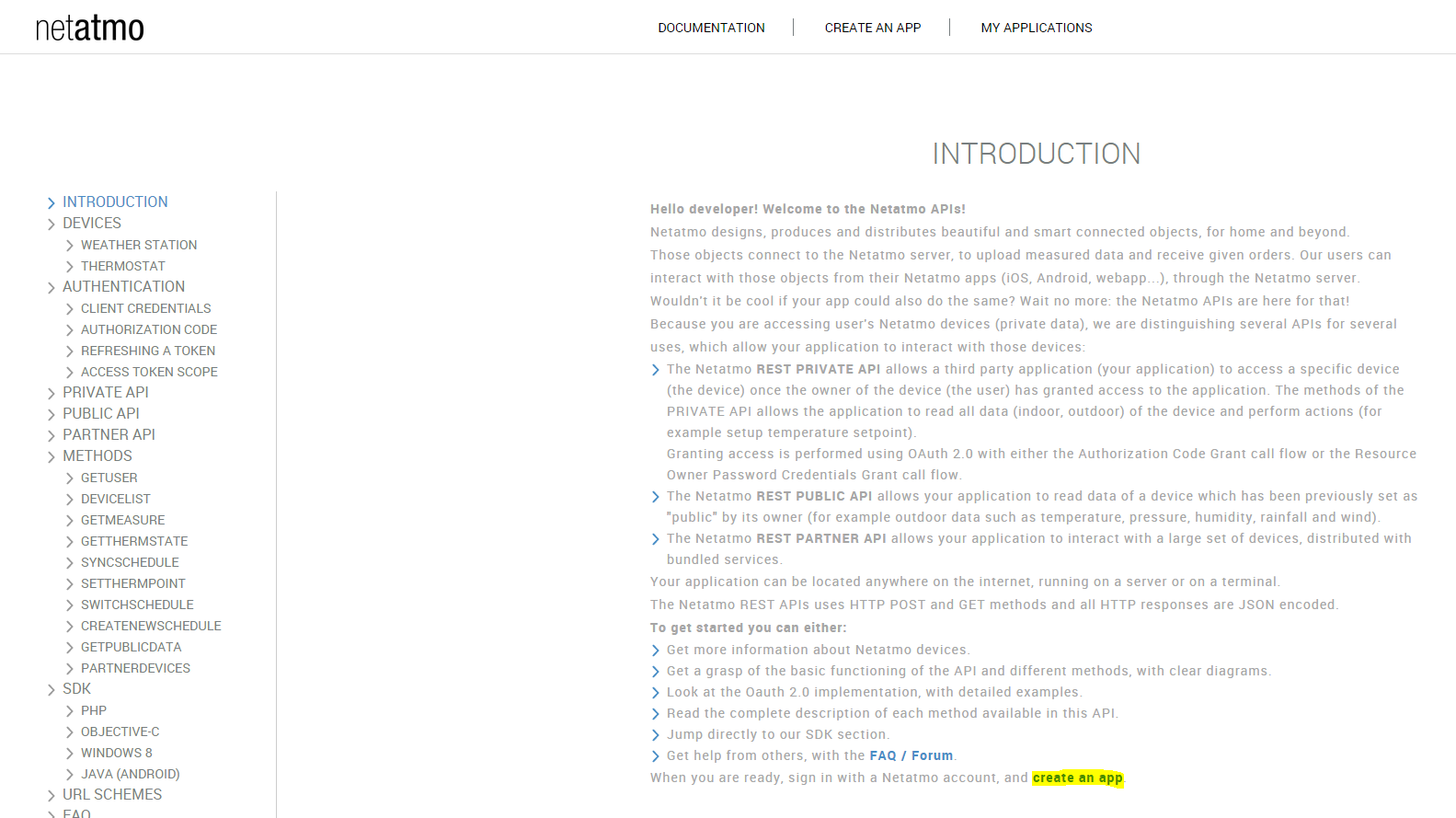
Identify yourself, with your email and password

Fill in the “Name” and “Description” fields (it doesn’t matter what you put it doesn’t matter) :
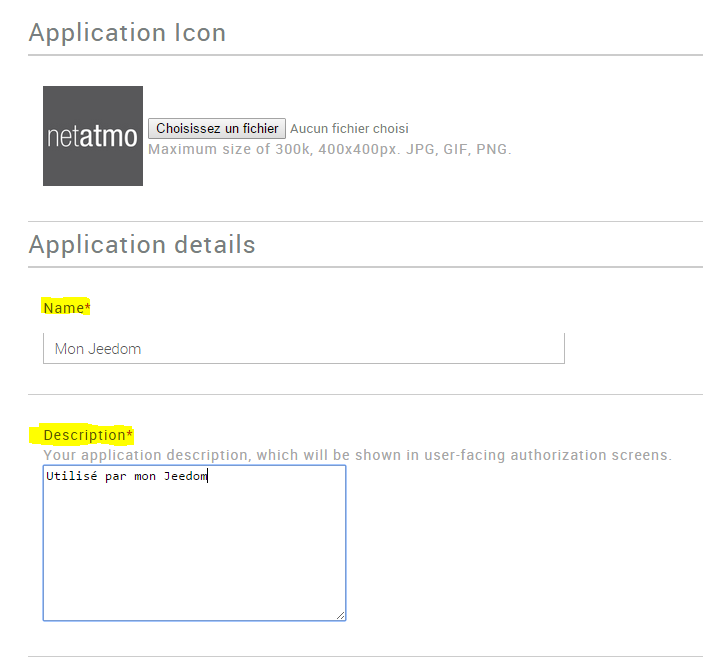
Then at the very bottom of the page check the box “I accept the terms of use” then click on “Create”

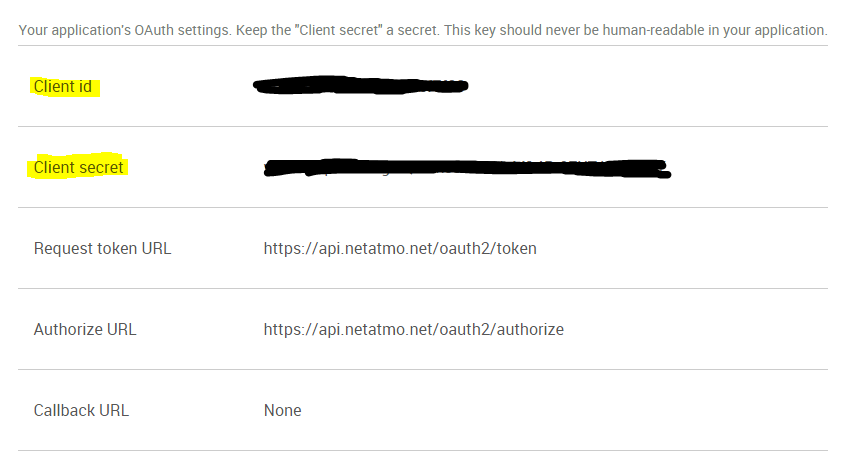
Retrieve the information “CLient id” and “Secret client” and copy them in the configuration part of the plugin in Jeedom (see previous chapter)
Equipment configuration
The configuration of Netatmo equipment is accessible from the plugin menu.
Here you find all the configuration of your equipment :
- Name of the Netatmo device : name of your Netatmo equipment
- Parent object : indicates the parent object to which the equipment belongs
- Activate : makes your equipment active
- Visible : makes it visible on the dashboard
- Login : unique equipment identifier
- Type : type of your equipment (station, indoor probe, outdoor probe)
Below you find the list of orders :
- the name displayed on the dashboard
- Historize : allows to historize the data
- Advanced configuration (small notched wheels) : used to display the advanced configuration of the command (logging method, widget, etc)
- Test : Used to test the command
Tip
When changing the widget mode it is advisable to click on synchronize to see the result immediately
FAQ
What is the refresh rate ? The system retrieves information every 15 min.